

To learn how to sign up for Gate TR in the fastest way, you can watch the video below.
Step 1: Go to Gate TR website and click on the “Sign Up” button on top right.

Step 2: On the “Create Account” page, provide all the necessary information (email address, login password, etc.). Make sure you accept the User Agreement and all other confirmations. Then click Create Account.
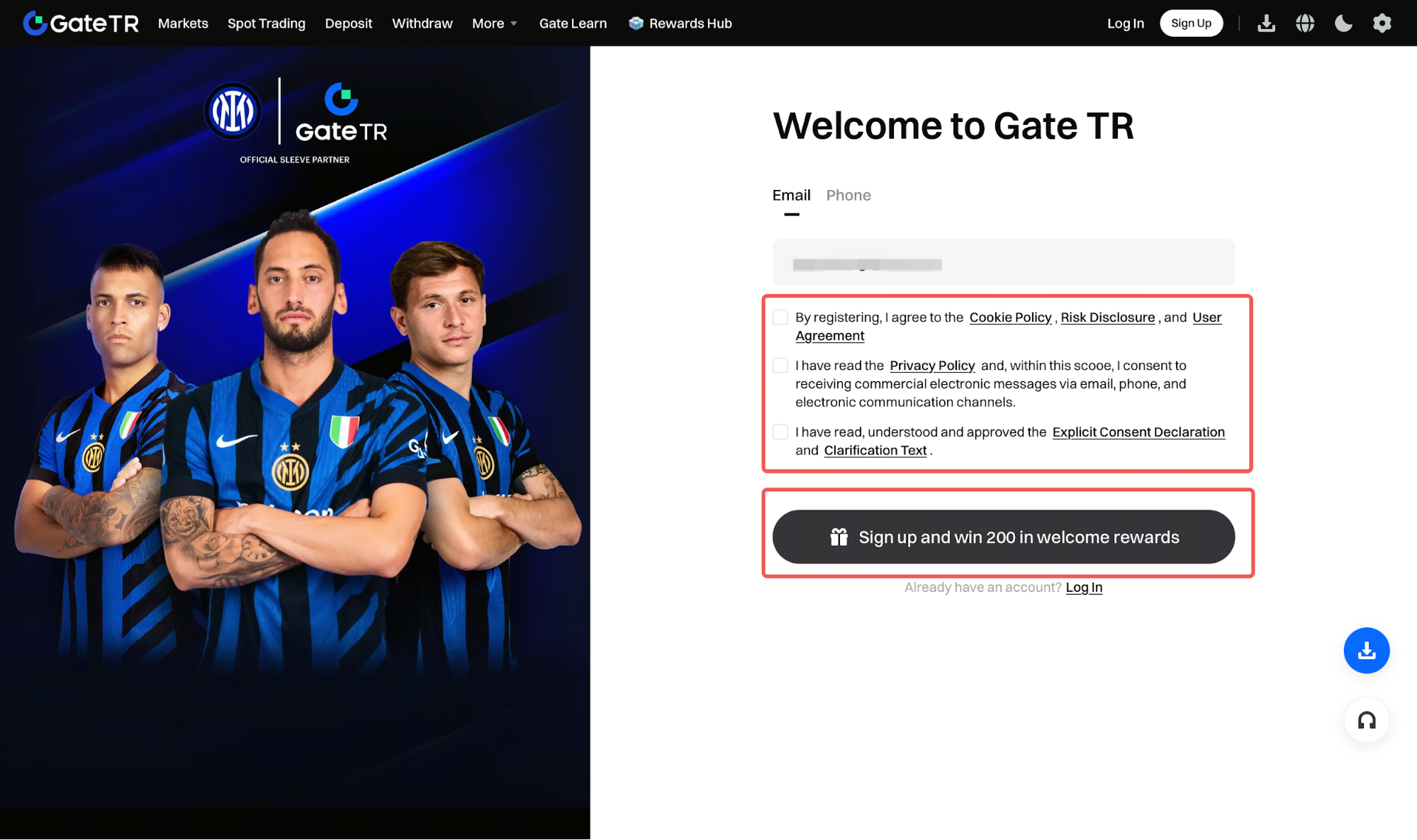
Step 3: Then a verification code will be sent to the provided email address or your phone. Please input the 6-digit code and click “Confirm” to complete registration. Once it is done, you will be redirected to the login page.

For any issues, feel free to contact destek@gate.com.tr. You can also use the Gate TR app: go to your profile and tap the microphone icon in the top right to reach the Help Center and speak with a support agent.
You can also submit feedback through our Suggestions & Feedback page to win rewards!
