
Placing a spot trade on Gate TR using a web browser is straightforward. Follow the steps below to quickly complete a buy or sell order:
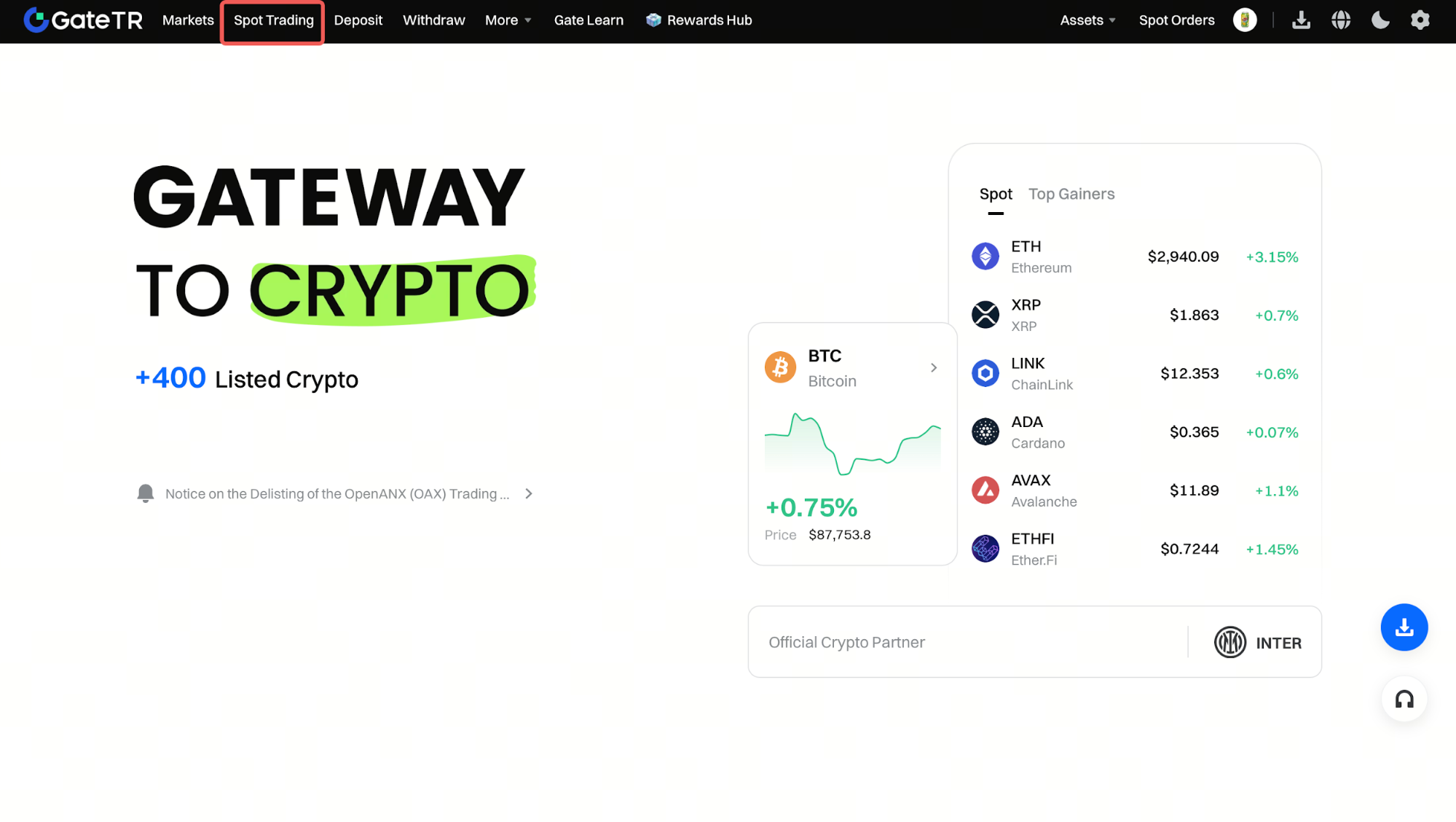
Step 1: Log In to Your Account. After logging in to the Gate TR website, click on the “Spot Trade” tab located in the top menu.
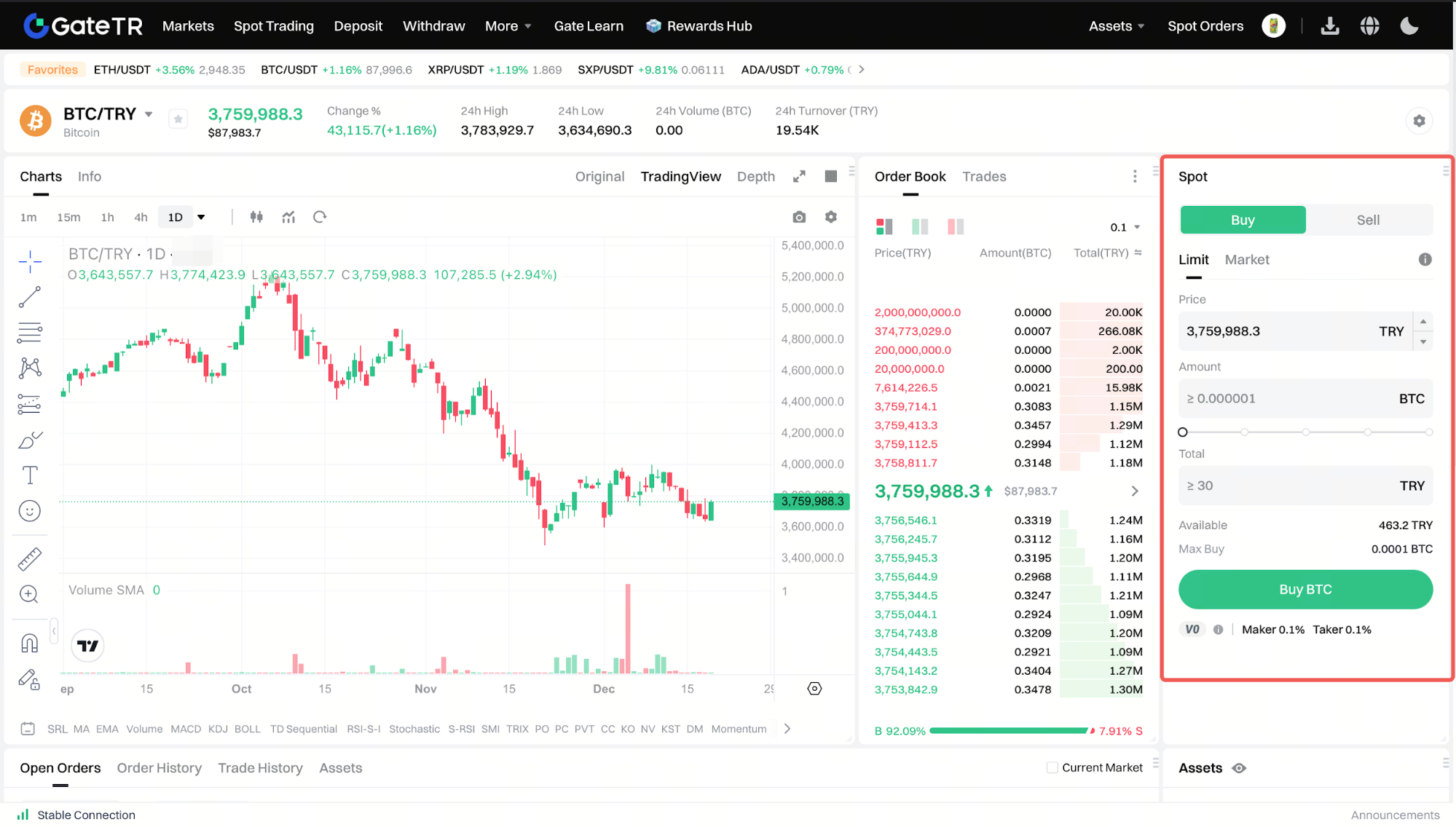
Step 2: Select a Trading Pair. From the Market section on the left, search for and select the trading pair you want to trade (e.g., BTC/TRY).

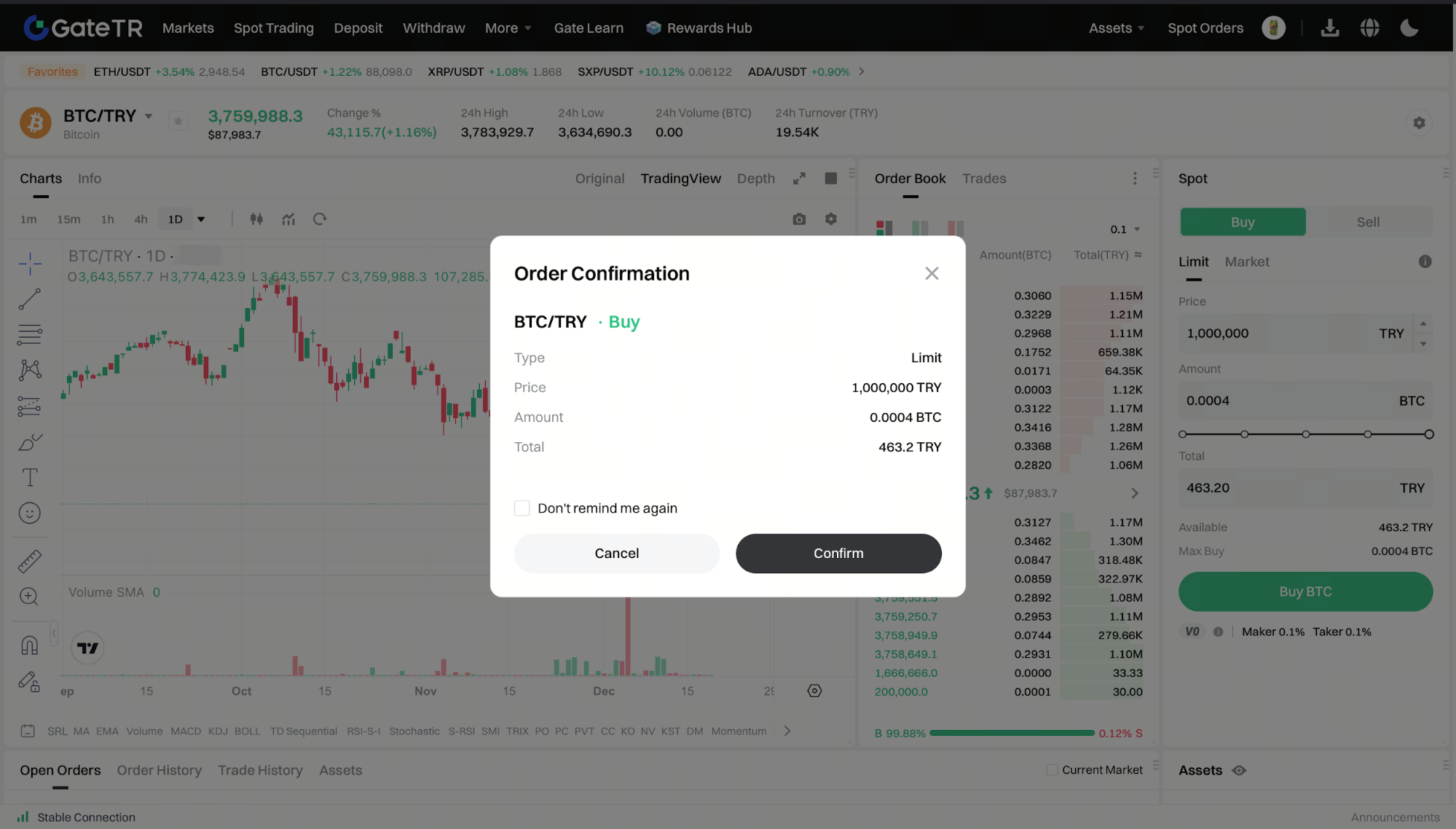
Step 3: Set Price and Amount, Then Place Your Order. Choose whether you want to buy or sell and set your desired price and amount. Then click the “Buy” or “Sell” button.
Market Order:
Simply enter the amount you want to buy or sell, and click “Buy” or “Sell” to execute the trade at the best available price.
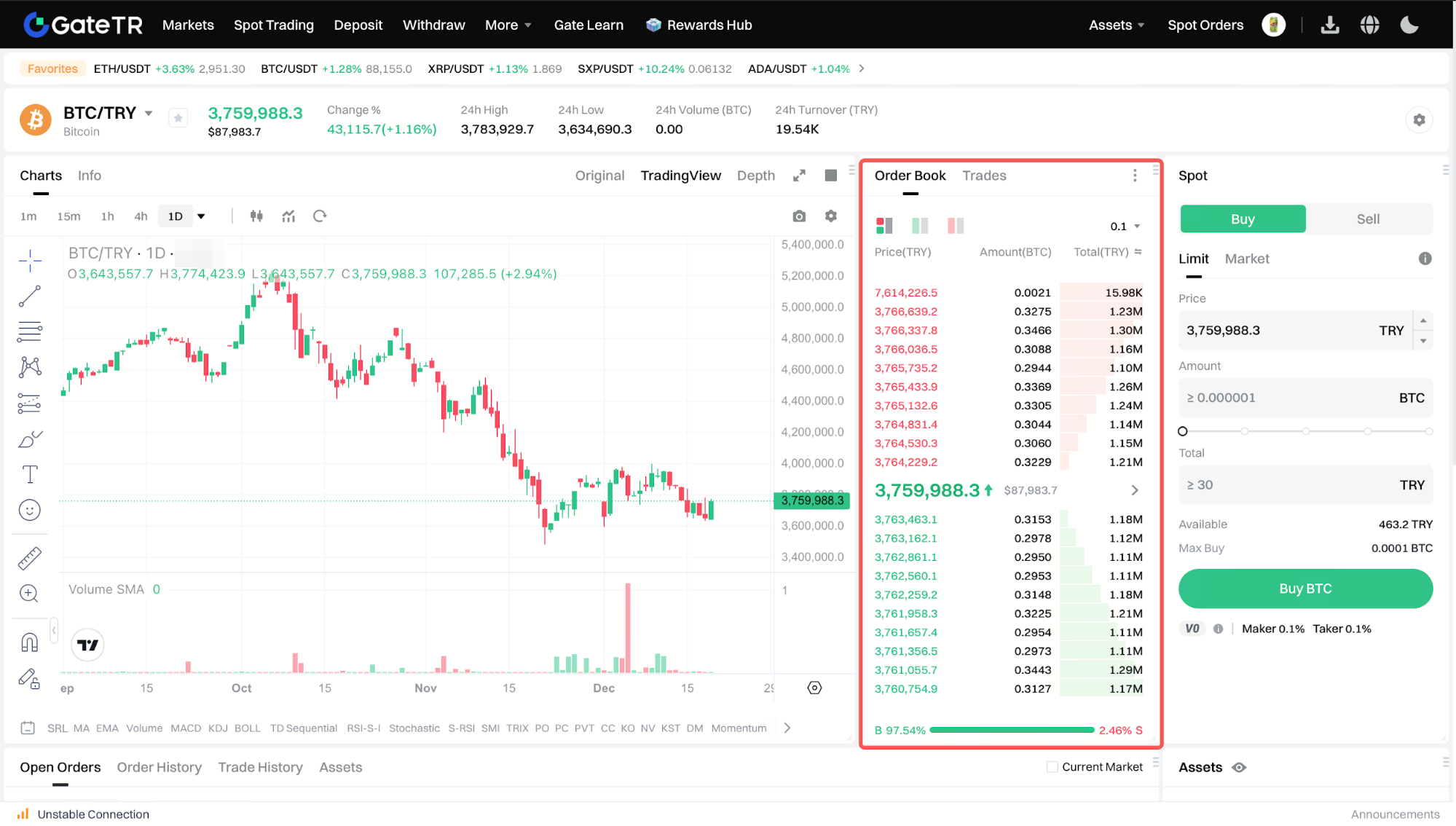
Tip: Click on a price level in the order book to automatically fill it into the order 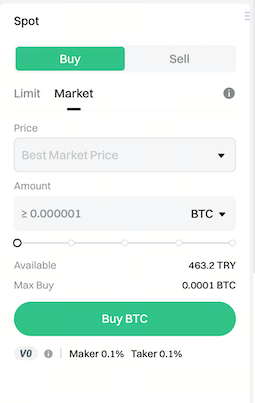
Limit Order:
Set your desired price and amount, then click “Buy” or “Sell.”
(Note: The percentage options below the amount field let you quickly select a portion of your available balance.)
Step 4: Confirm Your Order. Review the price and amount, then click “Confirm” to complete the transaction.
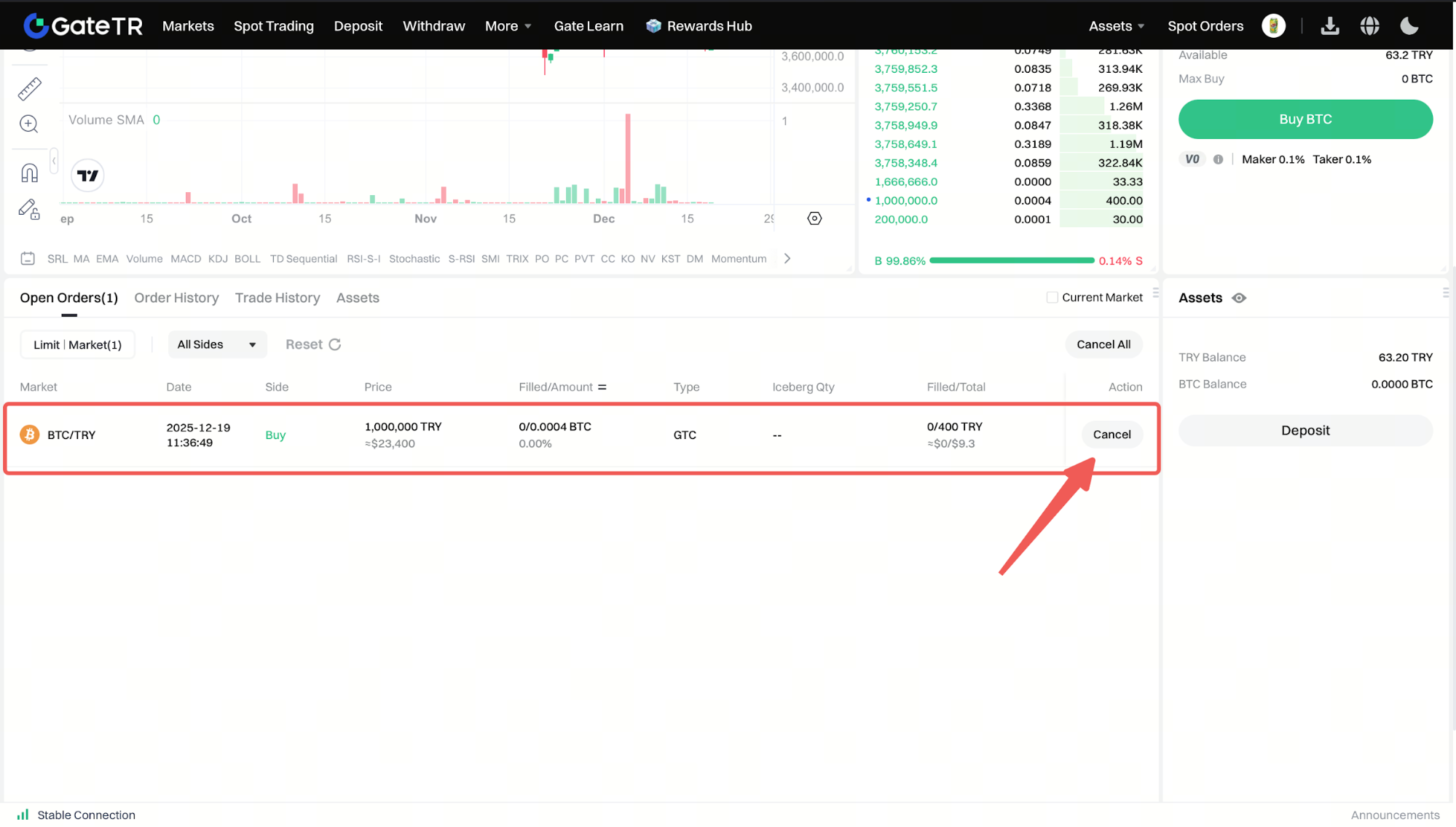
Step 5: Monitor Open Orders. Once your order is placed, you can view any unfilled orders under the “Open Orders” tab. If needed, you can cancel the order by clicking the “Cancel” button.
For any issues, feel free to contact destek@gate.com.tr. You can also use the Gate TR app: go to your profile and tap the microphone icon in the top right to reach the Help Center and speak with a support agent.
You can also submit feedback through our Suggestions & Feedback page to win rewards!

